
Download our Phone Wallpapers Here
Life gets busy and noisy, so it helps to keep God's truth close. Setting a Bible verse or a positive message as your phone screensaver means you'll see it many times a day. It's a simple way to stay encouraged, reminded of God's love, and focused on what really matters. Even a quick glance at your screen can lift your heart and strengthen your faith.
How to Save an Image as Your Phone's Screensaver:
- 1.Tap and hold the image, then select "Save to Photos" or "Download Image."
- 2.Open your Photos/Gallery app and find the saved image.
- 3.Tap the share icon or options menu, then choose "Use as Wallpaper" or "Set as Screensaver."
- 4.Adjust the image if needed, then confirm to set it on your lock screen, home screen, or both!

Breathe
Download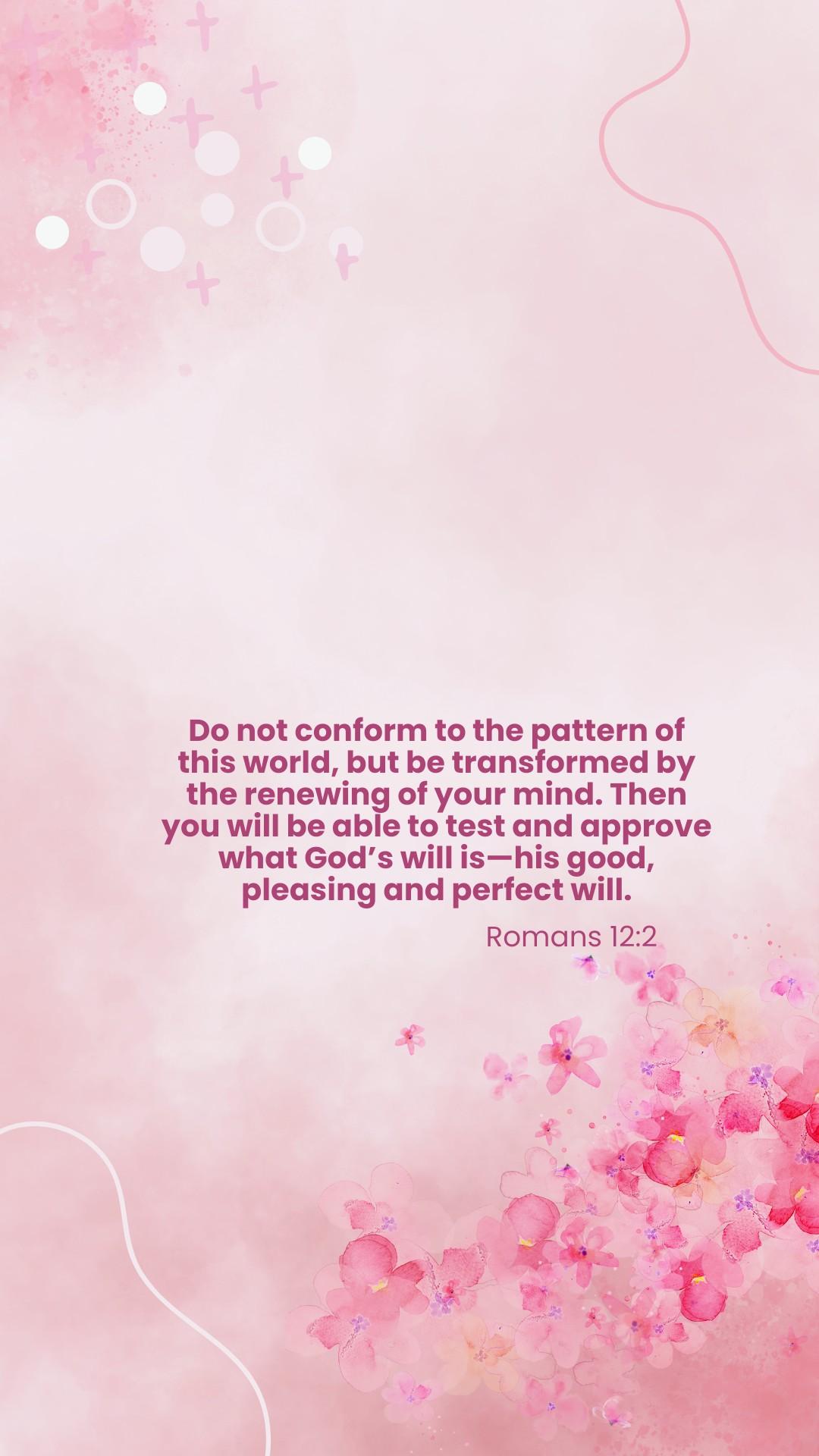
Beautifully Distinct
Download
Everyday Moments
Download
Fruits of the Spirit
Download
Chosen
Download
Hope
Download
Self Care
Download
Walk in Faith
Download
Uncluttered Life
Download
Family Building
Download
What's True About You
Download
Personal Growth
Download
Focus
Download
Grace
Download
Worthy
Download
Overflow
Download
Psalms
Download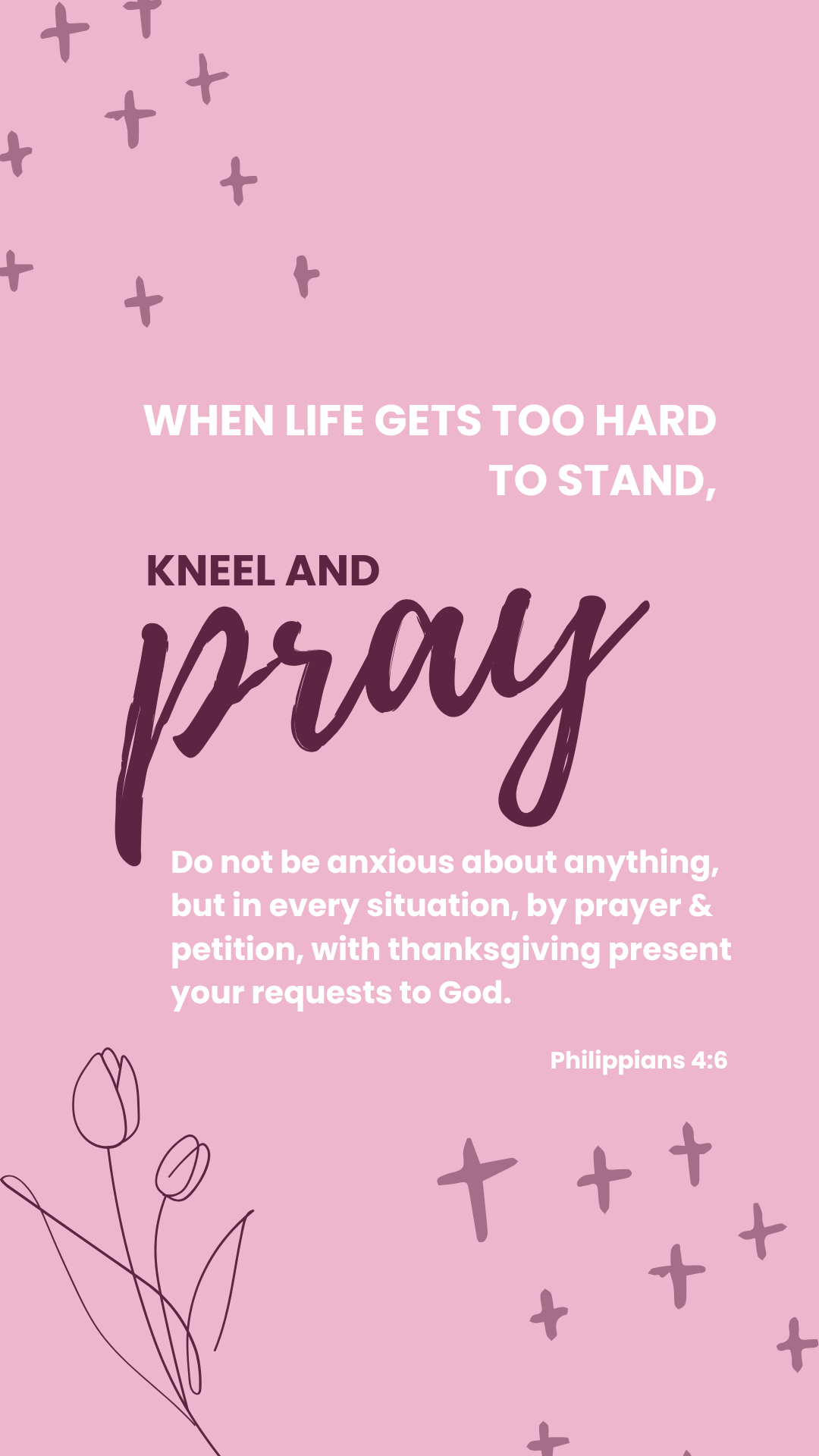
Prayers
Download
Go For It
Download
Joy in His Presence
Download